ClickFunnels For Digital Products: How To Sell PDFs, Templates, And Mini-Courses

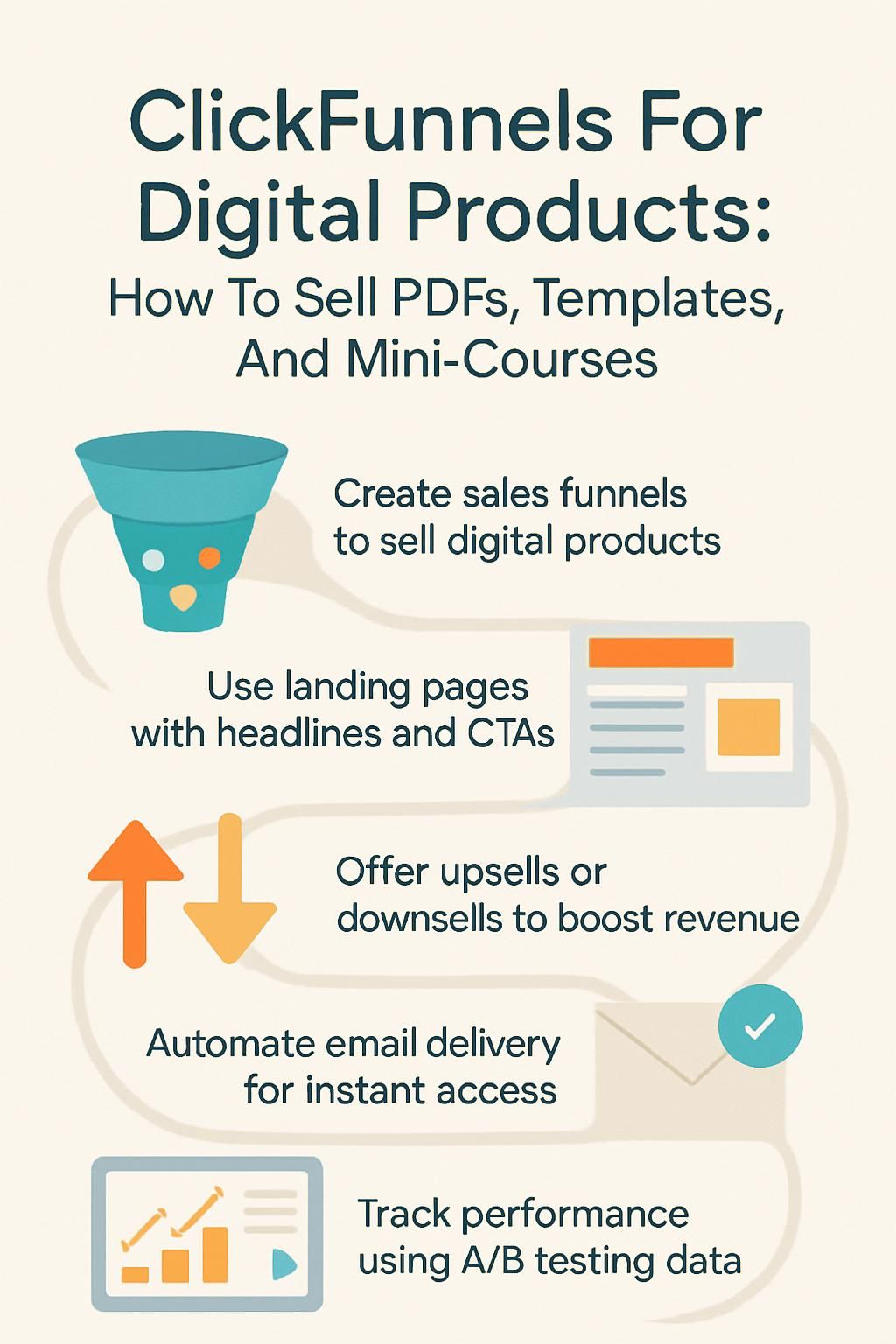
Selling digital products like PDFs, templates, and mini-courses can feel overwhelming without the right tools. ClickFunnels is a popular platform that helps you set up smooth sales funnels for these products.
This blog will guide you step by step to create pages that attract buyers and drive sales. Keep reading to learn how it works!
What are Digital Products?
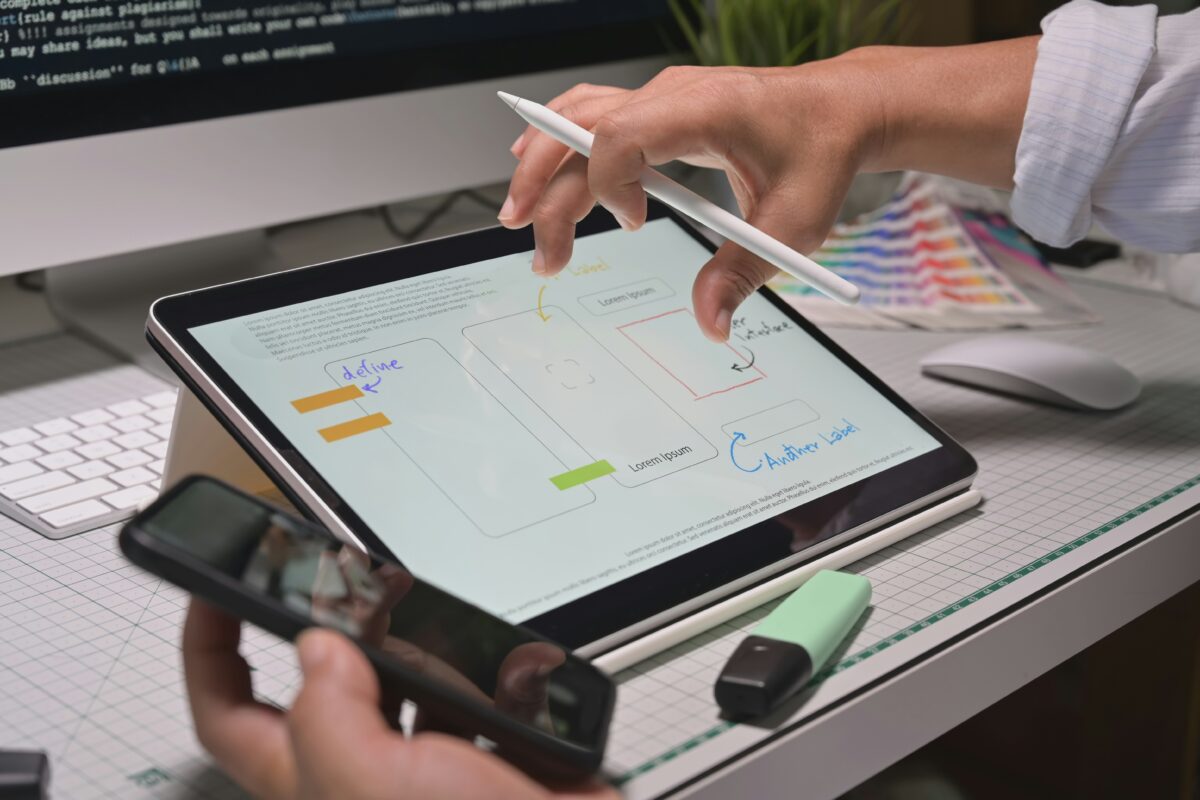
Digital products are items you sell online that customers can download or access. They are simple to deliver and great for creating recurring revenue streams.
PDFs
PDFs are great for selling guides, eBooks, or checklists. They are easy to create and share with your audience. With ClickFunnels, you can use a landing page to highlight the benefits of your PDF.
Pair it with a strong headline and visuals to grab attention.
Offer value upfront by sharing free samples or excerpts. This builds trust and attracts more leads. Create bundle deals using related PDFs to increase sales. For example, pair an Instagram strategy guide with a Facebook tips checklist for better results!
Templates
Templates make tasks easier and faster. You can design them once, then reuse or customize them for different needs. They save time and effort for both you and your customers.
Show examples of templates in action to grab attention. Offer niche-specific options like real estate flyers or social media posts. Provide editable versions so users can adjust colors, text, or layouts to fit their brand easily.
This flexibility increases value while boosting customer engagement.
Mini-Courses
Templates simplify tasks, but mini-courses educate and connect. These courses break down big topics into easy lessons that help your audience learn step by step.
You can use ClickFunnels to create memberships for online courses. Add video tutorials, quizzes, or PDFs to enhance value. Offer clear calls-to-action (CTA) to guide users through the learning journey while boosting customer engagement.
Why Use ClickFunnels for Selling Digital Products?
ClickFunnels makes selling digital products simple and quick. It helps you create effective pages that guide your audience step by step to buy.
Streamlined sales process
A good sales funnel saves time and reduces stress. With ClickFunnels, you guide people step-by-step through the buying process. Each page works to move them closer to a purchase.
Automation plays a big role here. You collect leads, send emails, and even sell upsells without manual effort. It all happens smoothly, keeping your customers focused on buying!
Professional landing pages
Professional landing pages help you grab attention fast. They create a clear path for your visitors to take action, like buying your PDF or signing up for a mini-course. A well-designed landing page includes strong headlines, high-quality visuals, and simple navigation.
Use call-to-action buttons that stand out. Highlight your value proposition to show why your digital product matters. Avoid clutter and keep the focus on one goal at a time. A great layout can boost customer engagement and increase conversions quickly in your sales funnels.
Upsell and downsell opportunities
Offer an upgraded digital product as an upsell. For example, if you sell templates, include a premium version with extra features or designs. You can also bundle products, like PDFs and mini-courses, to increase value.
Use downsells to capture those who skip your main offer. If someone rejects the mini-course, offer a shorter version or just one module at a lower price. This keeps potential customers engaged and increases sales without losing them entirely.
Creating a ClickFunnels Sales Funnel

Build your sales funnel step by step to convert visitors into customers—start simple and explore powerful features inside ClickFunnels.
Step 1: Define your offer
Decide what you want to sell. Your offer must solve a problem for your target audience. Whether it’s PDFs, templates, or online courses, make sure it has value.
Focus on the benefits your product provides. Highlight unique features that stand out against competitors. For example, show how a template saves time or how an online course gives actionable steps.
Step 2: Build an opt-in page
Create a simple opt-in page to collect email addresses. Use a clear headline that grabs attention, like “Download Your Free PDF Guide.” Add one engaging call-to-action (CTA) button, such as “Get It Now.”.
Include an eye-catching image or graphic related to your product. Keep the form short by asking for just a name and email address. This reduces friction and improves sign-ups. Make sure your page loads quickly on all devices, as slow pages lose potential subscribers.
Step 3: Create a sales page
Design a landing page that grabs attention. Use bold headlines to showcase your offer. Add visuals like high-quality images or infographics for more appeal.
Include a strong call-to-action (CTA). Highlight the benefits of your digital products clearly. Keep it simple, so visitors feel guided and not overwhelmed.
Step 4: Add upsells and downsells
Upsells and downsells boost your revenue after the sales page is ready. Offer a higher-value product as an upsell, like an advanced template or premium mini-course. Add a lower-priced option for downsell, such as a smaller PDF or basic version of your content.
Make these offers easy to accept with one-click buttons. Keep pricing clear and benefits simple to understand. Use this strategy to give customers choices that match their needs while increasing sales in your funnel.
Designing High-Converting Funnel Pages
Strong funnel pages grab attention and guide customers to act. Focus on clear messages, eye-catching visuals, and easy navigation for better results.
Crafting compelling headlines
Use action words to grab attention fast. Make your audience feel curious, excited, or informed. For example, “Boost Sales With This Simple Funnel Strategy” works better than something vague like “How To Sell Online.” Words like “easy,” “new,” and “proven” attract clicks quickly.
Focus on your target audience’s needs or goals. Highlight benefits directly in the title. Instead of saying “Learn Marketing,” try “Master Social Media To Double Your Leads.” Keep it short but powerful.
Aim for 6-12 words to keep readers hooked without losing clarity.
Using engaging visuals
High-quality images catch attention fast. Use visuals like screenshots, mockups, or short video tutorials to highlight your digital products. Show templates in action or pages of a PDF.
This builds trust and makes the offer clear.
Bright colors and sharp design boost customer engagement. Add icons or graphics near calls-to-action (CTAs). Make sure everything looks clean on both desktop and mobile screens for better conversions.
Adding clear calls-to-action
Strong visuals draw attention, but clear calls-to-action (CTAs) guide users to act. Use bold buttons or hyperlinks with actionable words like “Get Started,” “Download Now,” or “Sign Up.” Make your CTAs stand out by using contrasting colors that match your landing page design.
Place CTAs in key spots, such as above the fold, at the end of a sales pitch, and near engaging testimonials. Keep the message short and focused on benefits for your target audience.
Effective CTAs boost customer engagement and drive results in any marketing funnel.
Delivering Digital Products with ClickFunnels
Disclosure: I am an independent ClickFunnels Affiliate, not an employee. I receive referral payments from ClickFunnels. The opinions expressed here are my own and are not official statements of ClickFunnels or its parent company, Etison LLC.
ClickFunnels makes it simple to send your PDFs, templates, and courses directly to buyers—learn how to set it up smoothly!
Uploading digital assets
Upload your PDFs, templates, or mini-courses directly to the ClickFunnels platform. Use the “Digital Assets” section under Account Settings. Add files like PDFs and video tutorials as supported file types.
Give each asset a clear name for easy tracking. Set up email automation to send these files after purchase. For larger assets or recurring revenue products, connect an external storage tool, like Google Drive or Dropbox, using shareable links.
Automated delivery via email
Send your digital products instantly with automated email delivery. Once a customer completes their purchase, the system sends them a download link or access instructions right away.
This saves time and keeps customers happy.
Use ClickFunnels to integrate with email marketing tools like Mailchimp or ActiveCampaign. These tools let you set up triggers for sending emails after each sale. Next up, explore setting up memberships for mini-courses!
Setting up memberships for mini-courses
Create a membership area in ClickFunnels to deliver your mini-courses. Use the “Membership Funnel” template to get started fast. Add your course videos, PDFs, or templates directly into the lessons section.
Set access levels based on what users purchase. This helps you offer basic and premium options for extra revenue. Send automated login emails using ClickFunnels’ built-in email system after purchase, so students can start learning right away!
Best Practices for Selling PDFs

Make your PDFs stand out with clear value and focus on showing how they solve problems. Use creative marketing funnels to draw in your target audience effectively.
Highlighting unique features
Show off what makes your PDFs stand out. Maybe they have step-by-step guides, vibrant visuals, or easy-to-understand layouts. Focus on benefits your audience can enjoy, like saving time or solving specific problems.
Call attention to the usability of templates. Highlight details such as ease of editing or compatibility with popular tools like Word or Canva. For mini-courses, emphasize quick learning formats and actionable tips users won’t find elsewhere.
Move toward offering bundle deals in the next section for more value-packed ideas!
Offering bundle deals
Bundle deals make your offer more appealing. Combine PDFs, templates, or mini-courses into one package at a discounted price. Customers feel they get more value while you increase sales.
Highlight the savings clearly on your landing page. Use tools like ClickFunnels to create an easy checkout process for bundles. This strategy boosts customer engagement and recurring revenue by encouraging bigger purchases upfront.
Using free samples to attract leads
Offer a free sample of your PDF or template. Let users experience the value before buying. This can create trust and make them more likely to buy later.
Make it easy for them to access the sample through an email opt-in page. Use clear calls-to-action (CTAs) that guide them step by step. This also helps you build an email list, leading to future sales opportunities.
Discover ways to showcase templates effectively in the next section.
Strategies for Selling Templates
Show examples of how your templates work. Create options for specific needs and styles to attract different buyers.
Showcase examples in use
Use templates for social media marketing to help users plan posts. For example, show a content calendar template filled with dummy data. This gives buyers an idea of how it works in real situations.
Feature mini-courses used by small businesses or freelancers. Highlight short lessons that teach writing copy or creating landing pages. These examples make your offer feel practical and valuable.
Next, focus on niche-specific templates to attract the right audience.
Create niche-specific templates
Show examples that fit a specific audience. This helps potential buyers see the value of your templates. For example, if you target real estate agents, design templates for property listings or open house flyers.
Focus on needs within one market. Templates for social media marketing could include post schedules or ad designs. Highlight how these tools save time and increase efficiency for your target audience.
Offer editable versions for customization
Editable templates let customers adjust designs to fit their needs. This adds value and makes your product more attractive. Buyers want options that feel personal, like tweaking colors or layouts.
Provide tools for easy edits, such as Google Docs, Canva, or Microsoft Word formats. These platforms are user-friendly and widely used. Offering customization improves customer engagement while boosting sales of your digital products.
Next up: Tips for Selling Mini-Courses!
Tips for Selling Mini-Courses

Break your course into simple parts and show value early—click to explore more tips!
Break content into actionable modules
Split lessons into small, clear steps. Each step should cover one main idea to keep it simple.
Use short video tutorials or slides for each module. Add quizzes or tasks after every lesson to boost engagement. This keeps learners focused and moving forward easily through your mini-course.
Tease premium lessons in free content
Offer a sneak peek of your paid content in your free lessons. Include one or two high-value tips from the premium material to spark interest. Use engaging visuals, like short video tutorials or templates, to make it memorable.
Mention how the full course explores comprehensive solutions to their problem. Clearly point out what they will gain with the paid version, such as advanced sales funnels or professional landing page techniques.
This builds curiosity and boosts conversions without giving away everything upfront.
Provide certificates upon completion
Offer certificates to boost customer engagement. Certificates can motivate buyers to finish your mini-courses. They provide tangible proof of achievement, which can increase satisfaction.
Certificates add value to your product. Use ClickFunnels to automate the process with email or a membership system. Personalize them with names and course details for a professional touch.
Tracking and Optimizing Your Funnel Performance
Watch how your funnel works using analytics tools. Test different ideas to see what grabs attention and boosts sales.
Analyzing key metrics
Track key metrics to know how your funnel performs. Focus on conversion rates, email sign-ups, and sales numbers. These show if your landing page or offer works well.
Use tools like A/B testing to improve results. Test headlines, visuals, or call-to-action buttons. Watch customer behavior at each funnel stage to find weak points. Adjust offers based on feedback for better engagement and revenue growth.
A/B testing funnel elements
Analyze key metrics to find areas for improvement. Use A/B testing to compare funnel elements, like headlines or calls-to-action (CTAs). Test one element at a time for clear results.
Try different visuals, colors, or offers on your sales page. Track which version gets more clicks or leads. Small tweaks can boost customer engagement and sales quickly.
Refining offers based on feedback
Pay close attention to customer feedback. Use it to improve your sales funnels and digital products. If customers mention unclear steps on a landing page, make the process simpler.
Adjust your call-to-action (CTA) if it’s not clear or engaging enough.
Test offers by creating A/B variations based on their suggestions. Update templates, mini-courses, or PDFs to include features they want most. This keeps your audience happy, increases email marketing conversions, and boosts recurring revenue opportunities.
Conclusion
Selling digital products with ClickFunnels is simple and effective. You can create clear sales funnels, set up professional pages, and offer upsells to boost revenue. Use strong calls-to-action and share value with your audience.
Focus on user-friendly designs to keep buyers engaged. Start building your funnel today for PDFs, templates, or mini-courses!